After 2+ years in the field, I want to share what I’ve learned so far. If you’re just starting out or looking to refresh your basics, I hope this post helps you connect the dots a little faster than I did.
What is User-Centered Design (UCD)?
User-Centered Design is a problem-solving approach that puts the user at the heart of the design process. Rather than guessing what people need or designing for stakeholders alone, UCD starts and ends with the people who are going to use the product.
Example:
“What if booking cabs was easier with one tap?”
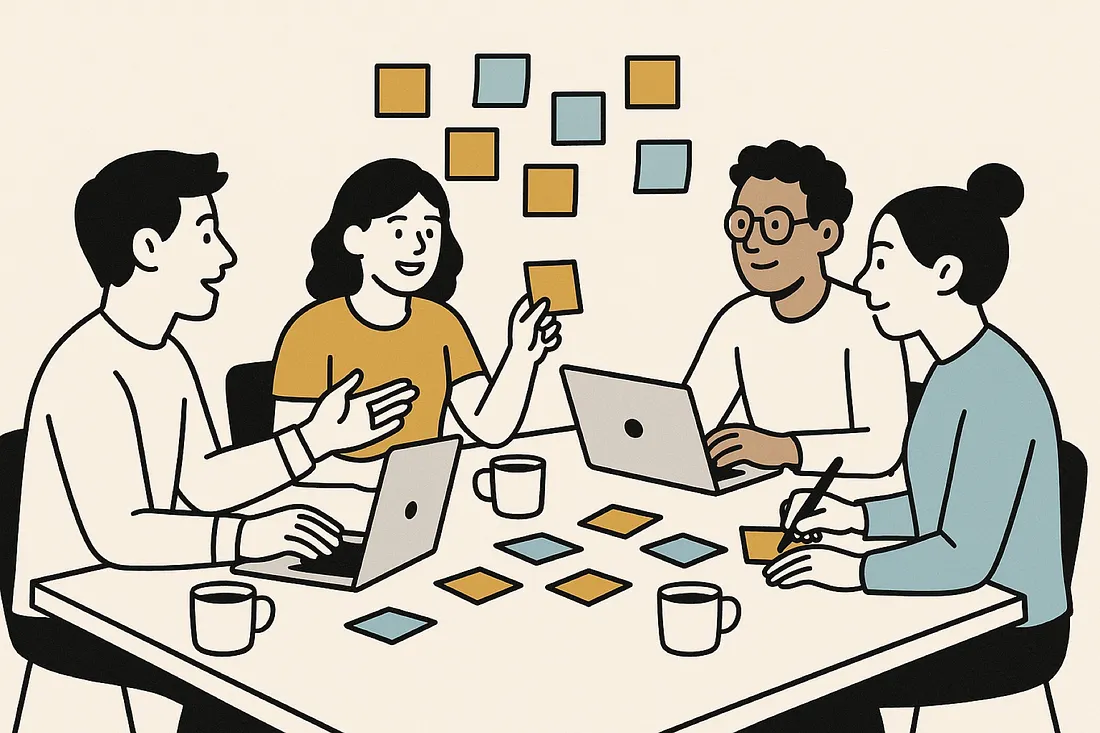
At this stage, brainstorming happens with stakeholders, designers, and users. Research plays a major role.
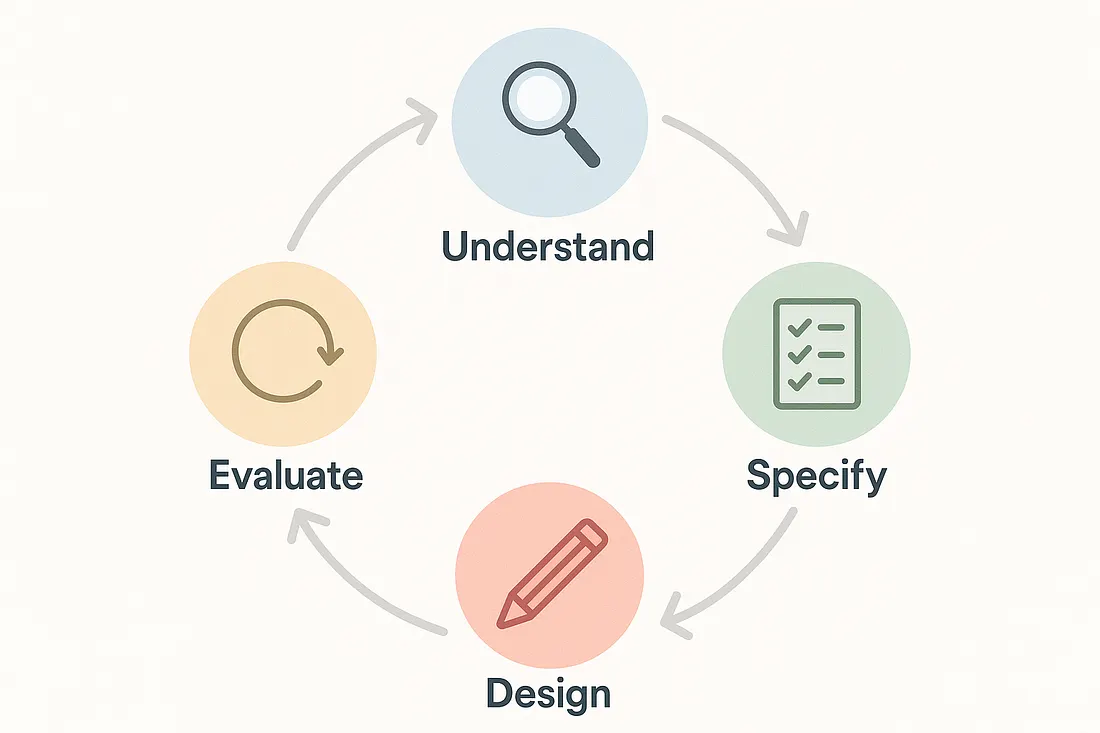
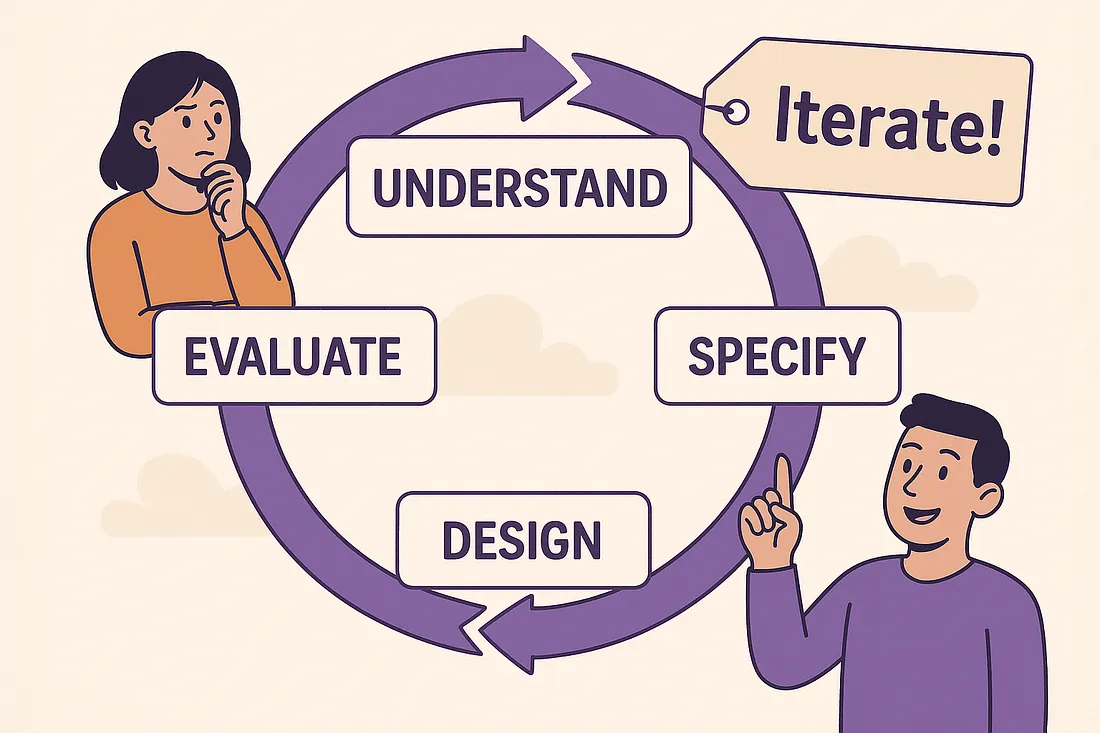
1. Understand the Users
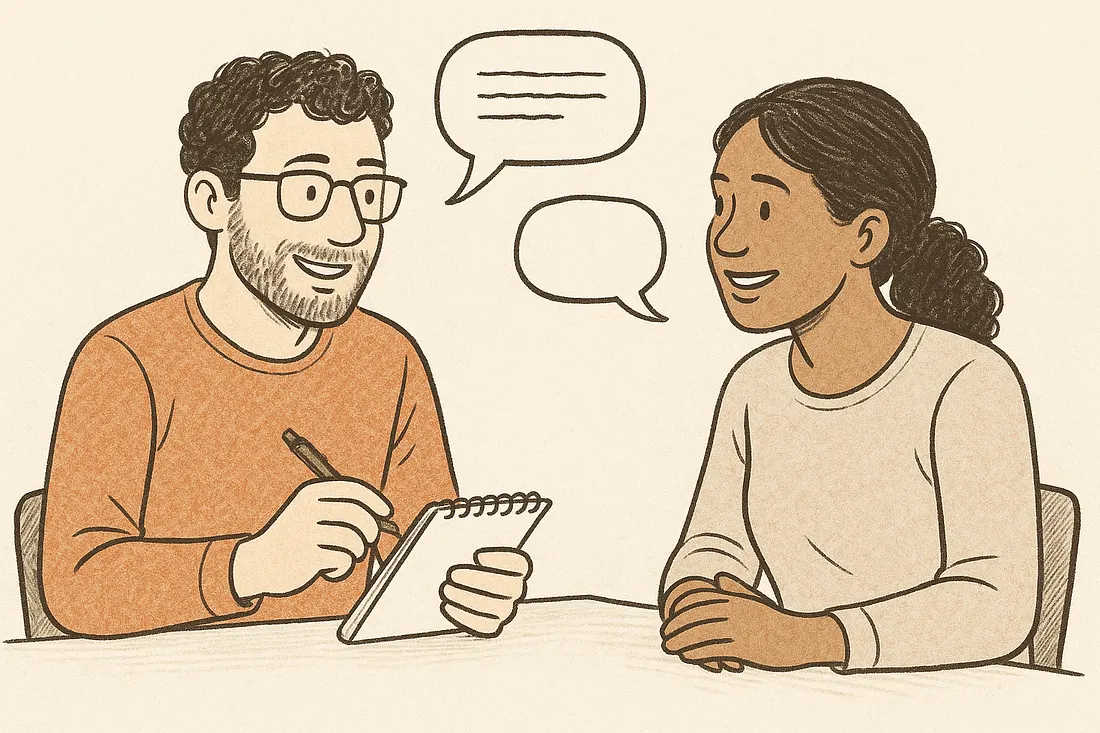
This is where it all begins. Before opening Figma or writing a single wireframe, I ask: Who are the users? What are their needs, goals, and pain points?
Some methods I use:
User interviews
Surveys
Competitor analysis
Contextual inquiries
The idea is to listen — really listen — without jumping to solutions. This part has taught me humility. Sometimes what I assumed was totally off base.
2. Specify User Requirements
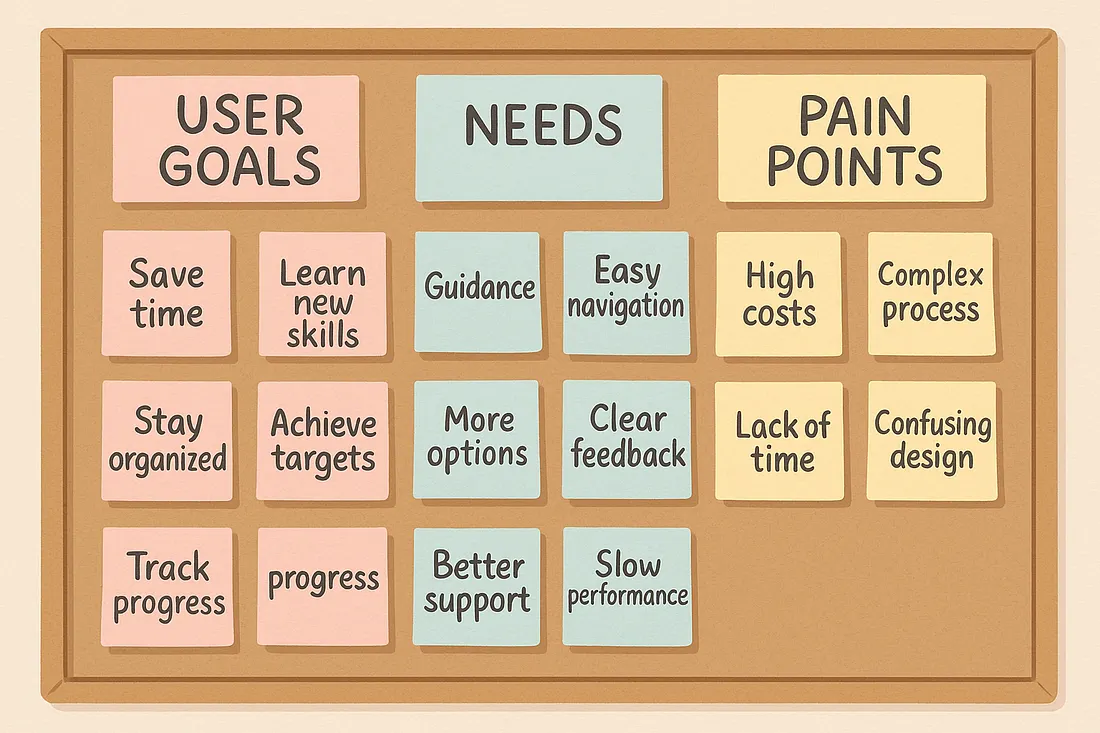
Once we understand the user, we can define what they actually need from the product.
This doesn’t mean listing features — it means identifying user goals and usability requirements. I often turn insights into user personas or simple “Job Stories” like:
“When I’m booking a cab, I want to see the estimated fare upfront so that I can decide quickly.”
This step sets the foundation for everything that comes next.4. Implement Flexible Typography
3. Design Solutions
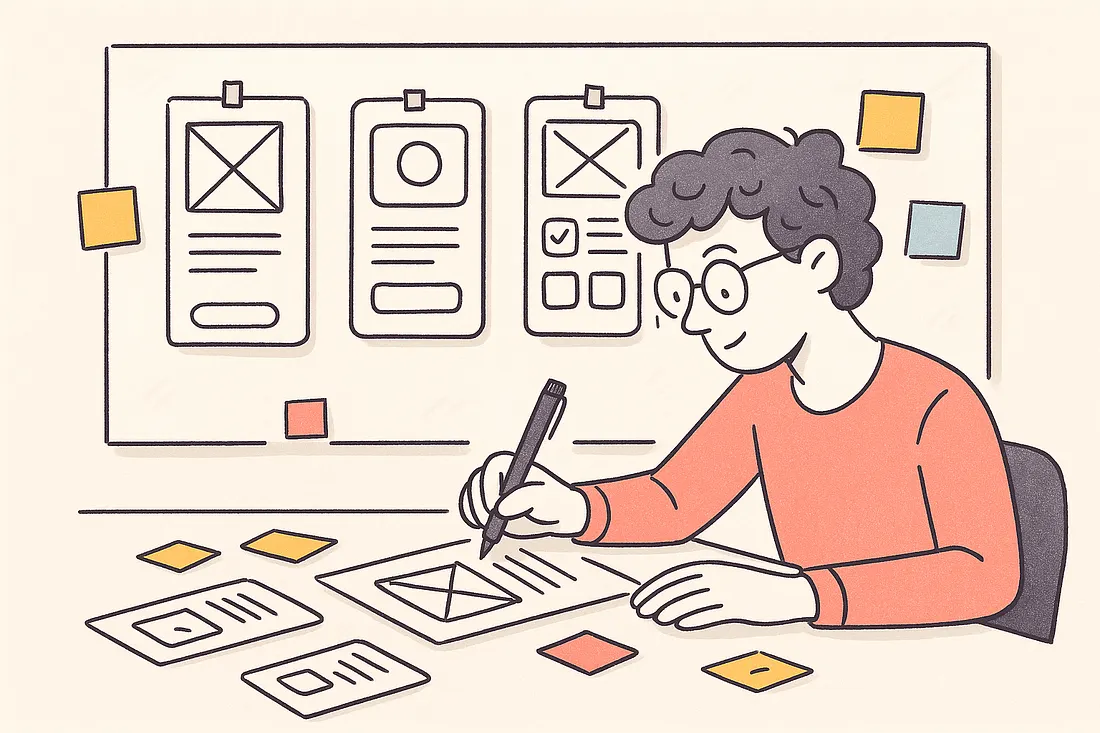
Now it’s time to translate insights into actual design. This is where wireframes, mockups, and prototypes come into play.
The trick? Design with empathy, not ego.
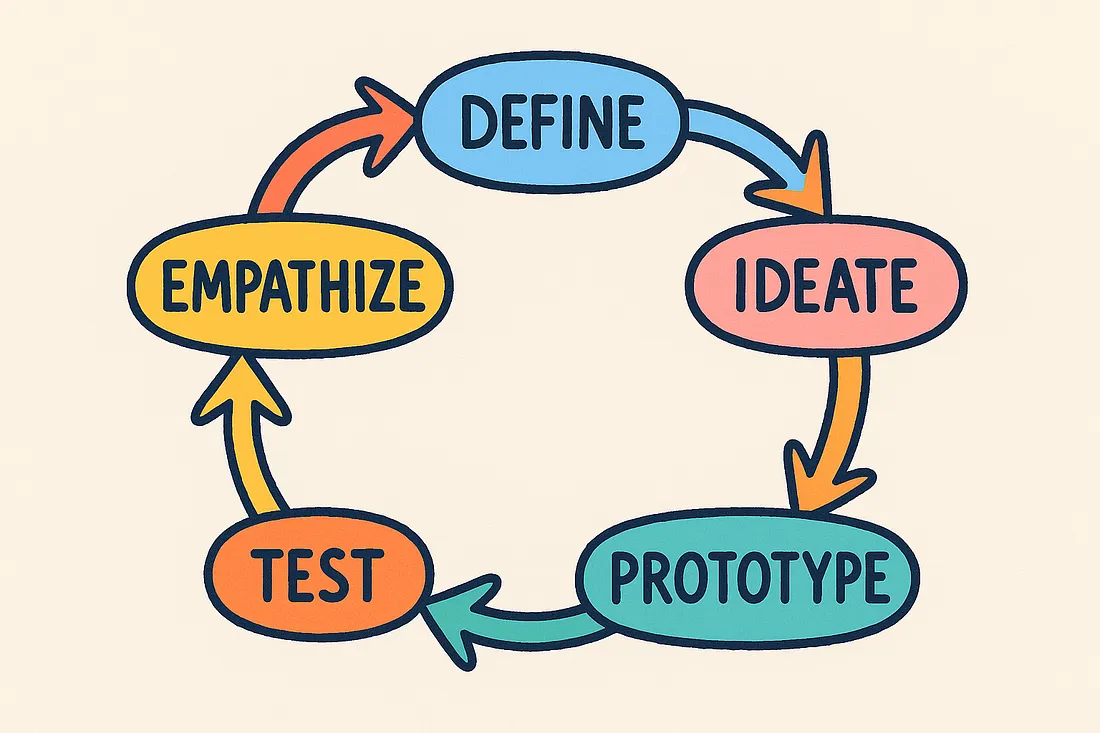
I used to think I needed to get the design perfect in one go. But I’ve learned that the first draft is rarely right — and that’s okay. UCD is iterative. The goal is to test early and often.
4. Evaluate with Users
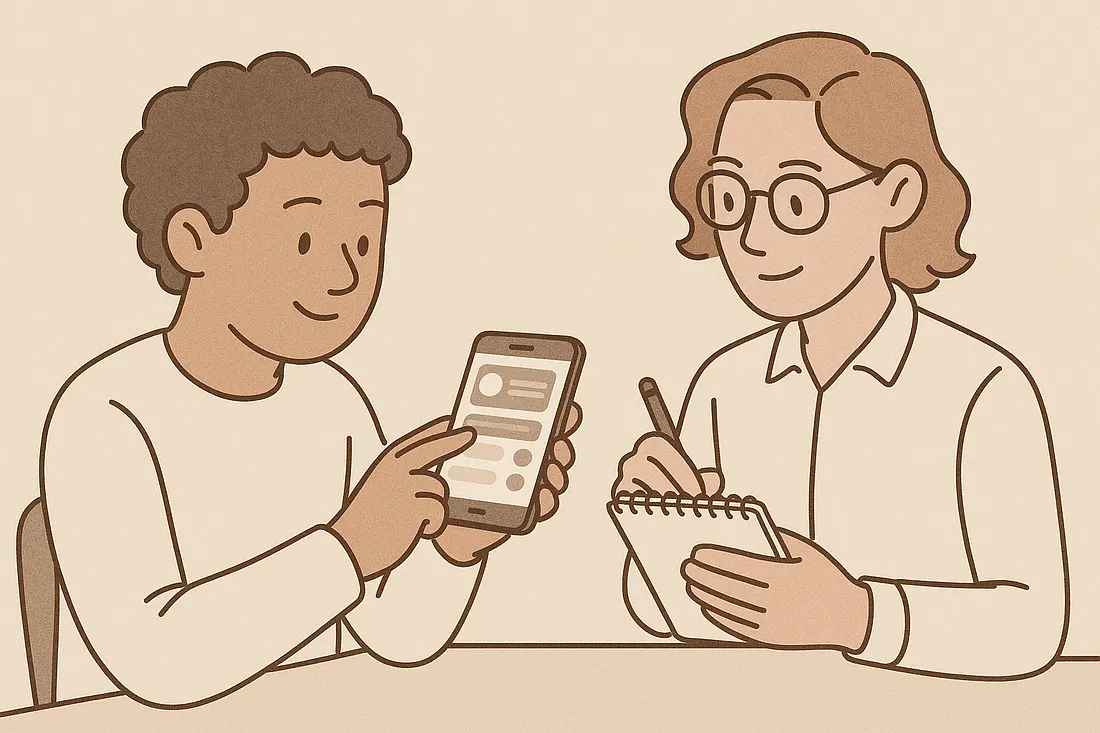
This is where the real magic happens. You put your design in front of real users and watch how they interact with it.
I like to run:
Usability testing
A/B tests
Feedback sessions
Sometimes feedback stings. But that’s part of it. Each round teaches me what to improve. Evaluation isn’t the end — it’s part of the loop.
Iteration Is Everything
Here’s the biggest thing I’ve learned: There’s no such thing as a “final” design.
Even after launch, we keep learning, testing, and evolving the product based on user behavior. Iteration isn’t failure — it’s growth.
Every round makes the product more human.
Final Thoughts
User-Centered Design isn’t a buzzword. It’s a mindset. It’s about building with the user, not just for them.
If you’re a fellow designer reading this, my advice is: stay curious, stay humble, and keep talking to your users.
It’s not always easy — but it’s always worth it.